360 virtual tour services Singapore

360 Virtual Tour Services

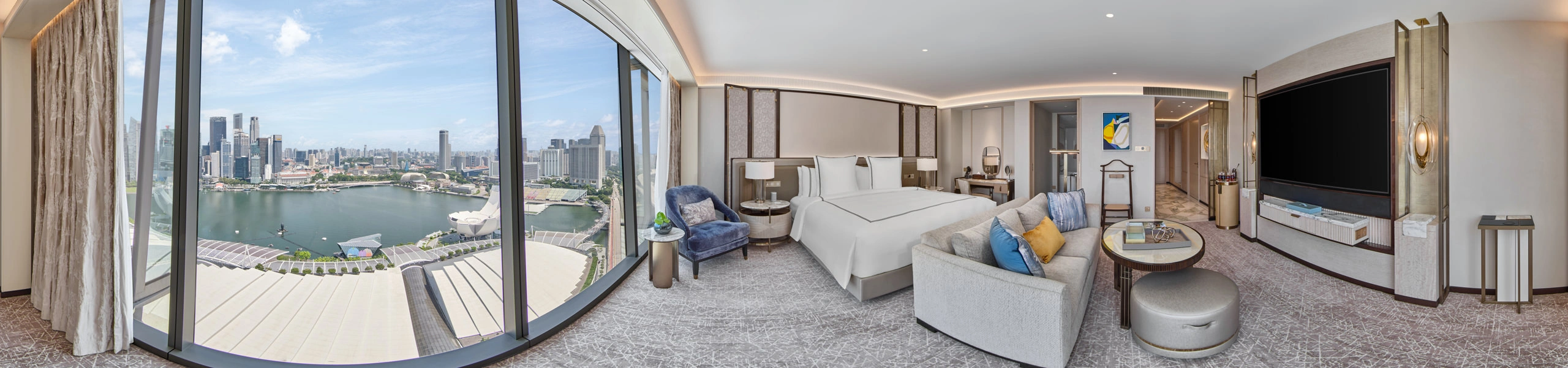
We specialize in creating handcrafted 360-degree images and virtual tours with meticulous attention to detail. We specialise in hospitality photography and hold our 360 images to the same standard as our traditional hotel photography, with careful attention to lighting, composition, and post-production in every frame. Our approach is different from others; we believe in authentic craftsmanship and uncompromised quality in our images and virtual tour interfaces.

We are passionate about hospitality images and storytelling through our virtual tours. Our tours are designed to guide viewers through a property the way a guest would experience it, creating a sense of place that goes beyond a simple room-by-room walkthrough. Each virtual tour is tailored to your needs, with an enthusiasm for design that gives us the freedom to create virtual tours that are exceptional. Our virtual tours tell a story and elevate the virtual experience.

As a virtual tour company, we pride ourselves on being boutique and unique, with each virtual tour having its own story. Visual Narrative is built on the values of authenticity, craftsmanship towards the creation of the images, and the design and function of the virtual tour interface.

Based in Singapore, we offer our virtual tour services worldwide.

Trusted by

Marina Bay Sands·Hilton Hotels & Resorts·Shangri-La Hotels & Resorts·Marriott Hotels & Resorts·InterContinental Hotels·Accor·Minor International·Bvlgari·SingHealth·Resorts World Sentosa·Wordsearch·The Fullerton·United Overseas Bank·Frasers Hospitality·Far East Hospitality·Paradox Hotels & Resorts·CÉ LA VI·Amara Hotels & Resorts·Millennium Hotels·Wyndham Hotel Group·Preferred Hotels·Soho Hospitality
Virtual Tour Features

Interactive features we build into our virtual tours.

Open / Close Objects

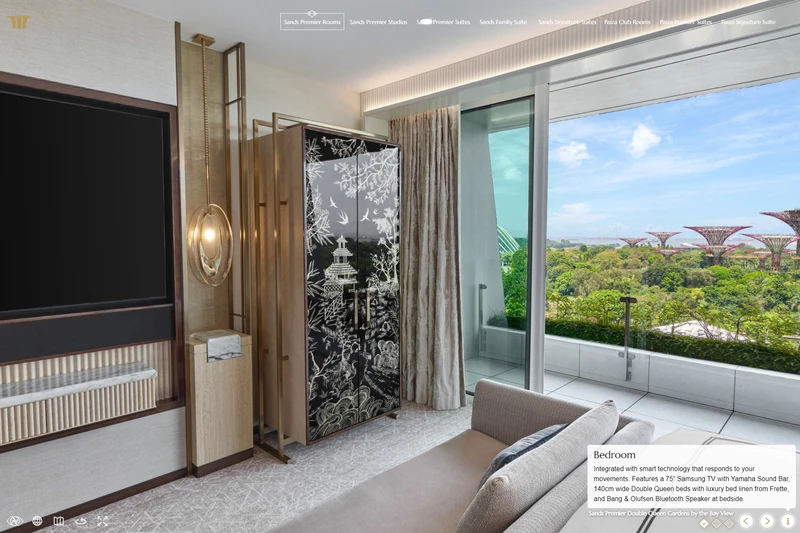
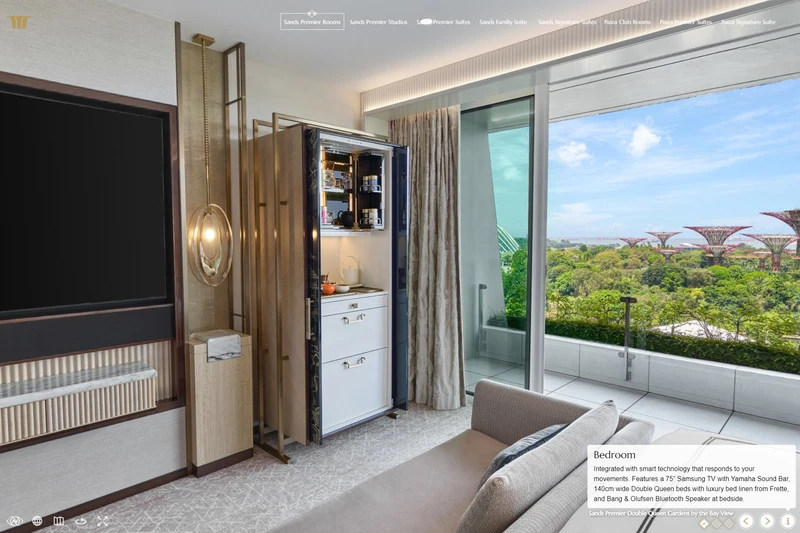
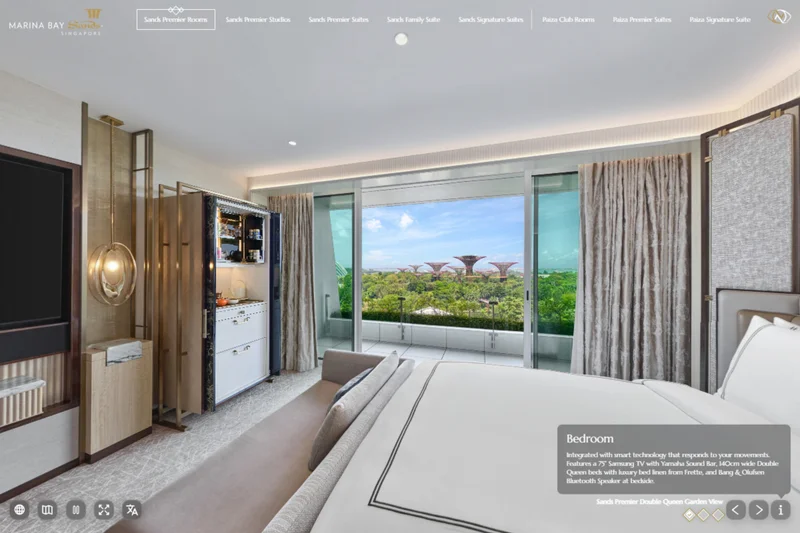
Open / Close Objects lets viewers select an item in the tour and switch between two states. It can be used for cupboards, wardrobes, minibars or equipment. In the Marina Bay Sands tour, viewers can open the guest armoire to see what is stored inside.

Day / Night Effect

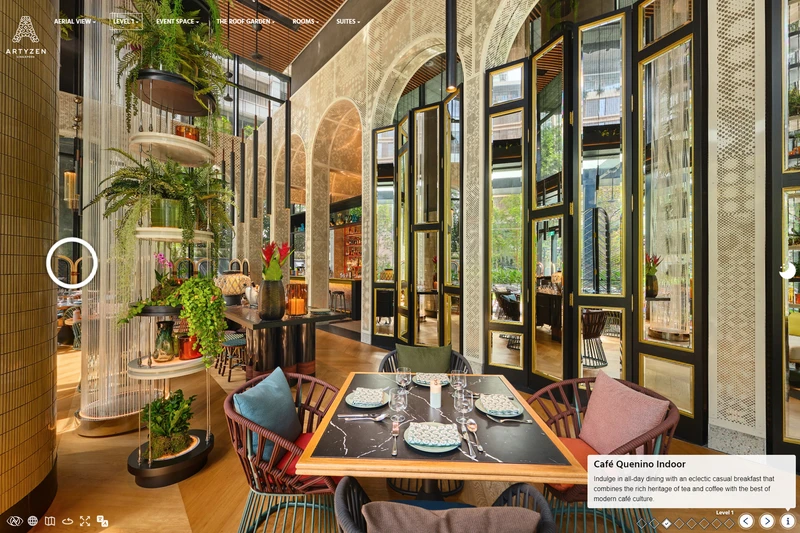
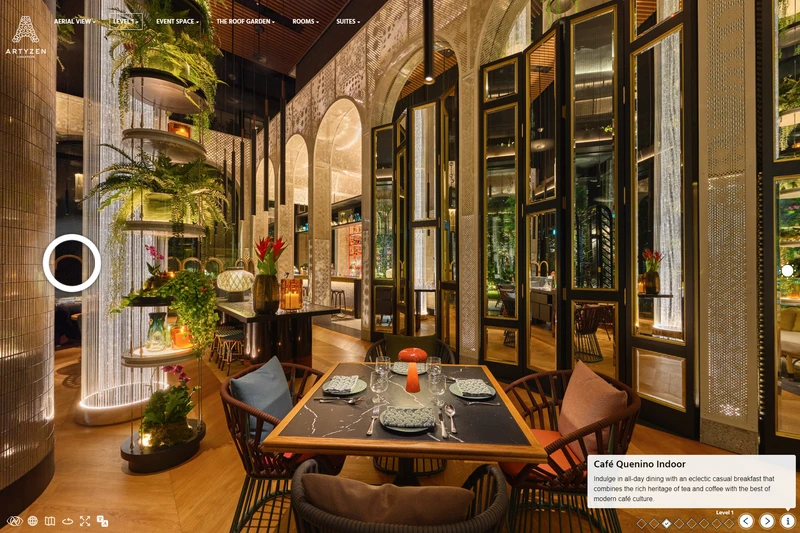
Day / Night Effect lets viewers switch between day and night views of the same scene. It can show how the lighting and appearance of a room, restaurant or outdoor space changes after dark. The Artyzen tour uses it in Café Quenino.

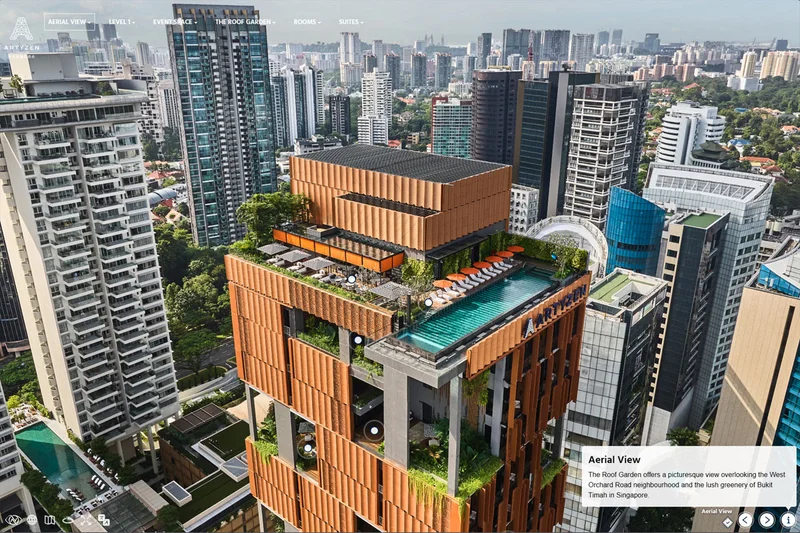
Artyzen Singapore virtual tour aerial view showing a simulated lens flare around the sun

Lens Flare Effects

Lens flare can be added to scenes where the sun or a bright light source is visible. The effect moves as the viewer looks around the panorama and can be adjusted to match the direction and intensity of the light.

InfoSpots

InfoSpots can function as a tooltip to show a few words, or they can open to show a title and description. They can be placed on specific objects or areas of the tour to provide information where it is relevant.

See this in action in the SUTD Virtual Tour.

View Feature
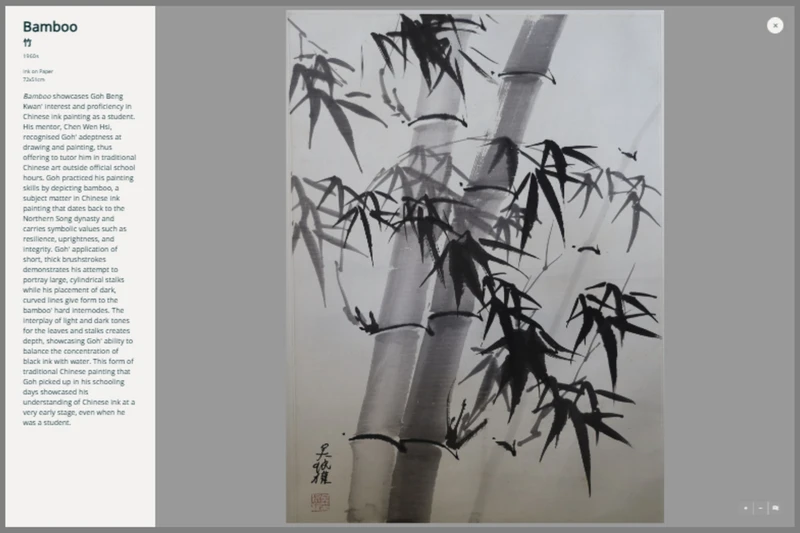
GBK85 exhibition virtual tour showing an image popup with the artwork Bamboo and its description

Image Popups

Image Popups open an image and description in a window inside the virtual tour. In the GBK85 exhibition tour, they are used to show artworks and information about each piece. The same feature can be used for any other image and supporting information.

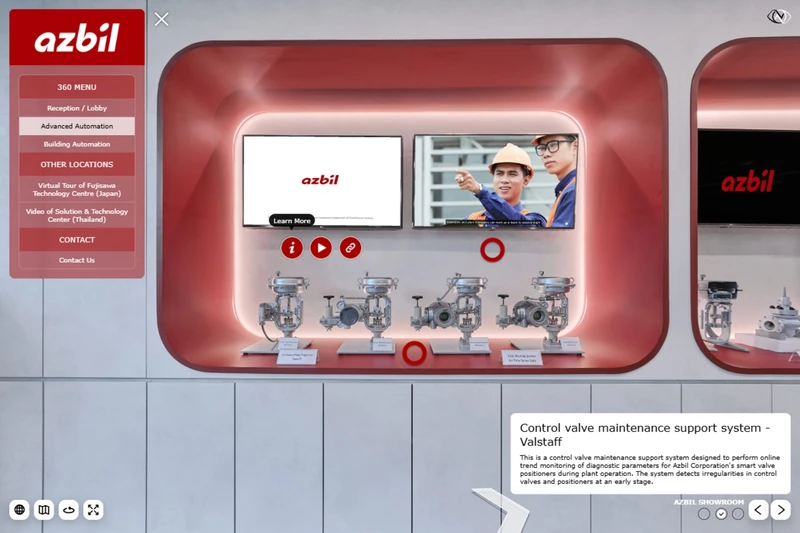
Azbil Singapore showroom virtual tour showing a multi-action hotspot with information, video and link options

Multi-action Hotspots

Multi-action Hotspots group several options under a single marker. Selecting the marker can reveal links, PDFs, videos or other content without placing several separate icons around the same object. In the Azbil tour, they are used to organise related product information and media.

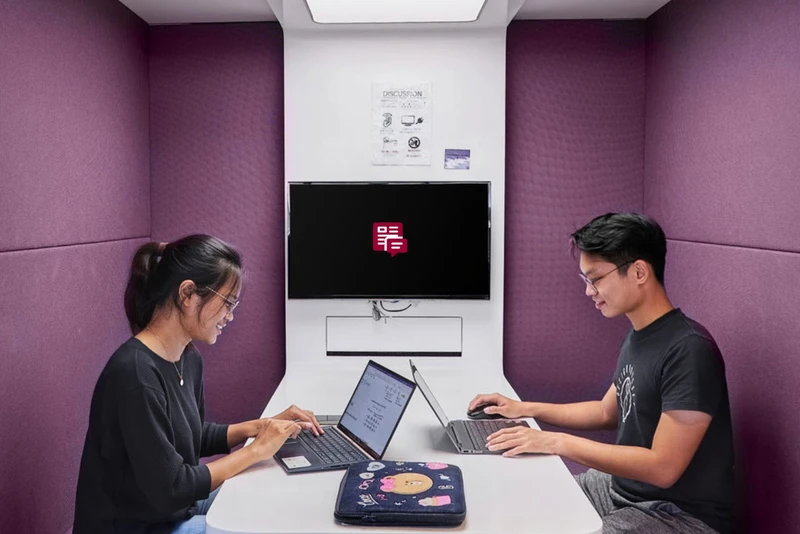
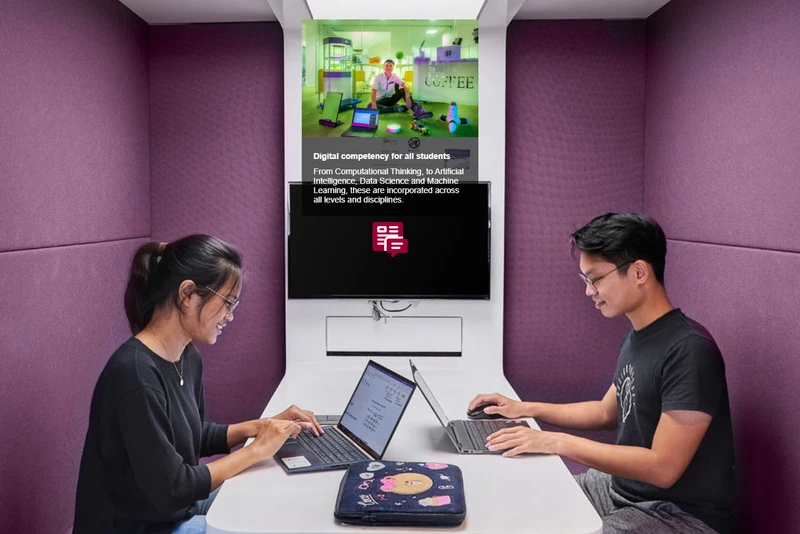
SUTD virtual tour showing embedded image and information content in the Cohort Classroom

Embedded Web Content

Embedded Web Content can open a website inside the virtual tour or in a new browser tab. It can also open PDF documents and images, allowing viewers to access additional material directly from a hotspot without losing their place in the tour.

See this in action in the SUTD Virtual Tour.

View Feature
Hilton Singapore Orchard virtual tour showing the Imperial Ballroom’s 30-metre length and 5-metre height measurements.

Measurement Tool

The Measurement Tool displays room measurements directly inside the virtual tour. It can show the length, width and height of a space so viewers can understand its dimensions while looking around. In the Flutes tour, it is used to show measurements for event planning.

Hilton Singapore Orchard virtual tour showing MICE controls for measurements, a floor plan and a PDF in the Imperial Ballroom

MICE Cluster

The MICE Cluster adds a set of controls to function rooms. Measurement lines, a floor plan and a PDF button can pop out when needed. We can also add other buttons or functions if the client requires additional MICE-related features while viewing the room.

Multi-navigation Hotspots

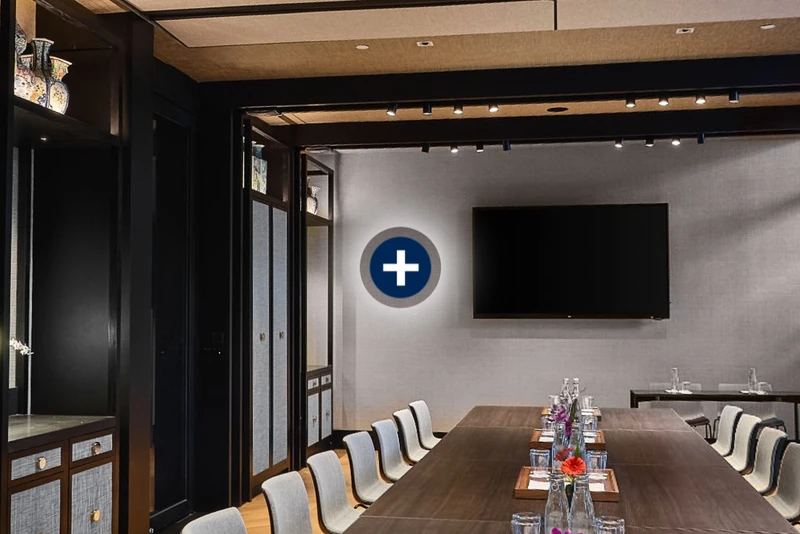
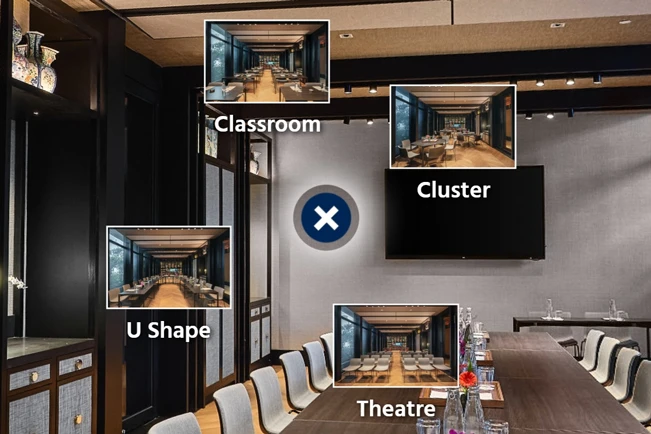
Multi-navigation Hotspots open several destination choices from one marker. Each option can include a label and thumbnail, allowing viewers to switch between room layouts, nearby areas or related scenes without placing several permanent hotspots across the panorama. In the Artyzen tour, they allow viewers to see the same function room in different setups.

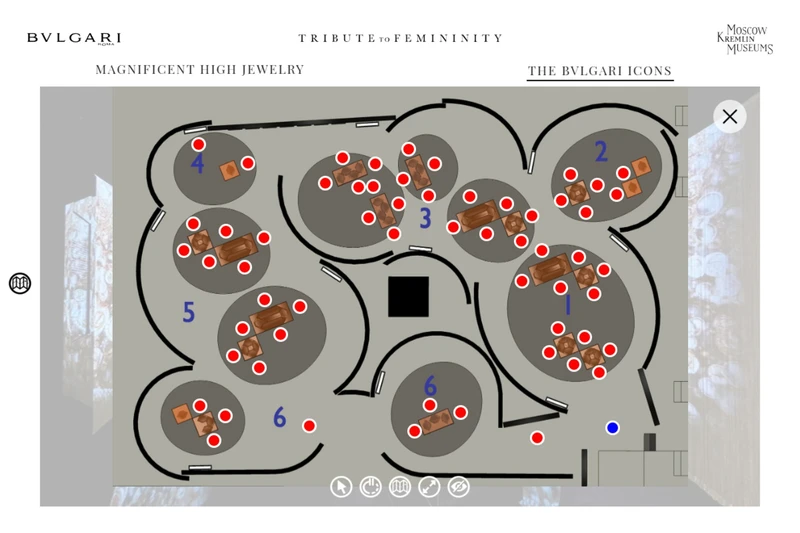
Floor plan in the Bvlgari Tribute to Femininity virtual tour at the Moscow Kremlin Museums

Floor Plans

Floor Plans allow viewers to step out of the 360 view and look at the space from above. This makes it easy to see where they are, understand the layout and move directly to another area of the tour.

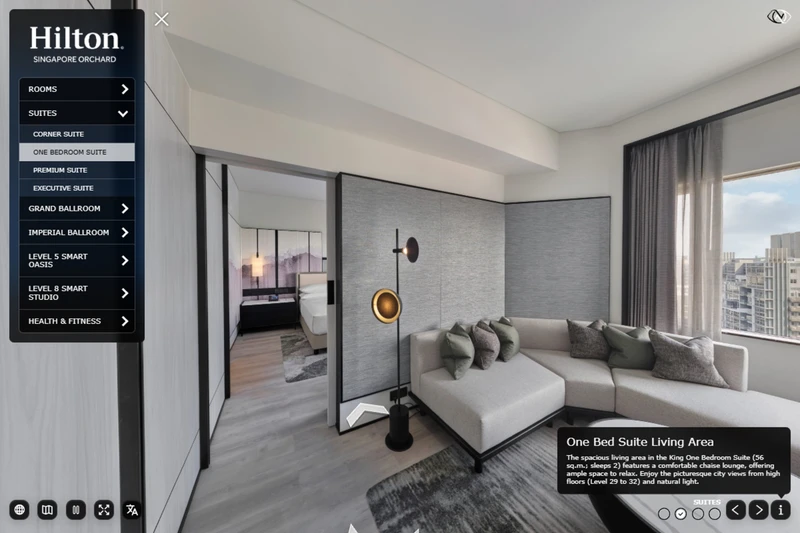
Hilton Singapore Orchard virtual tour showing a floor arrow in the One Bedroom Suite living area

Floor Arrows

Floor Arrows provide Google Street View-style navigation within the virtual tour. They show viewers how to move through a space and give them a clear indication of where they can go next. They are ideal for guiding visitors through connected rooms, corridors and larger spaces.

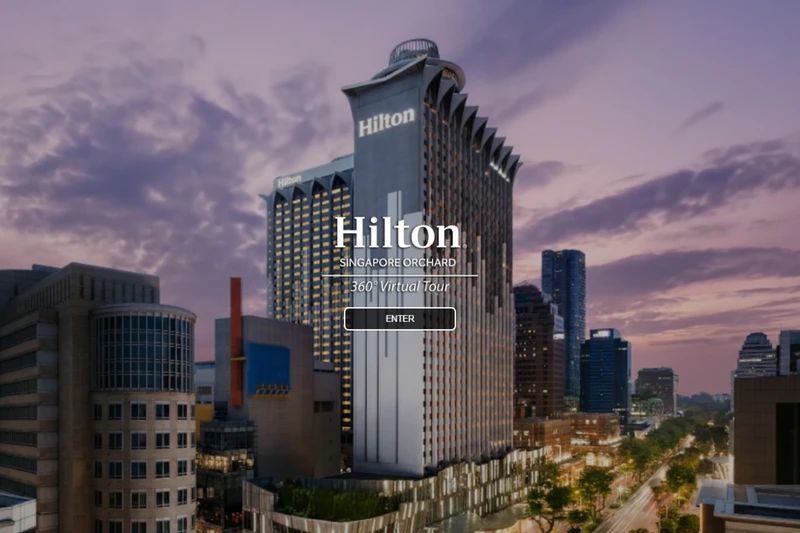
Hilton Singapore Orchard virtual tour opening screen with hotel exterior and Enter button

Opening Screens

Opening Screens appear when a virtual tour first loads. They can include the client’s logo, project name, introductory text and a button to enter the tour. We can use an animated opener or a video opener depending on the tour.

Promotional graphic with a 360-degree icon and text overlay on a background showing a hospital room with a wall-mounted TV and patterned curtains.

Guided Focus

Guided Focus switches the virtual tour into a scripted mode with audio narration and controlled camera movements. It can direct viewers to specific objects, areas or details in sequence. A tour can include multiple guided sequences for different subjects or audiences.

See this in action in the Guided Focus Demo.

View Feature
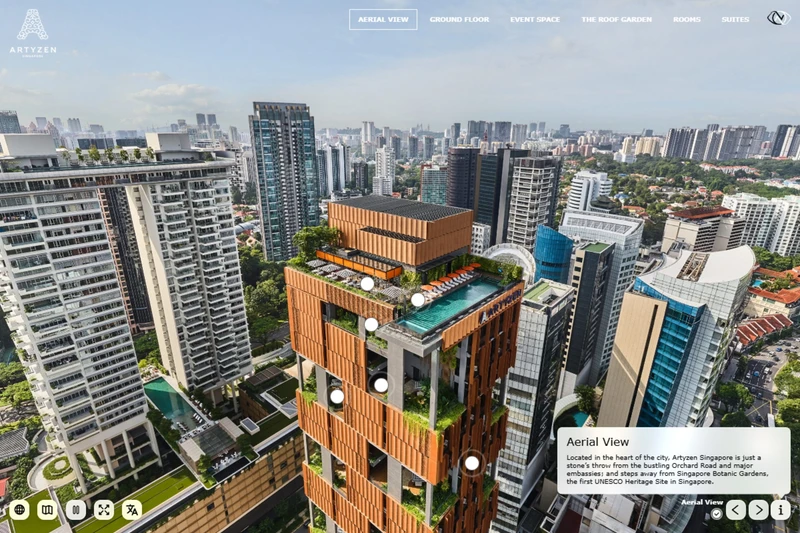
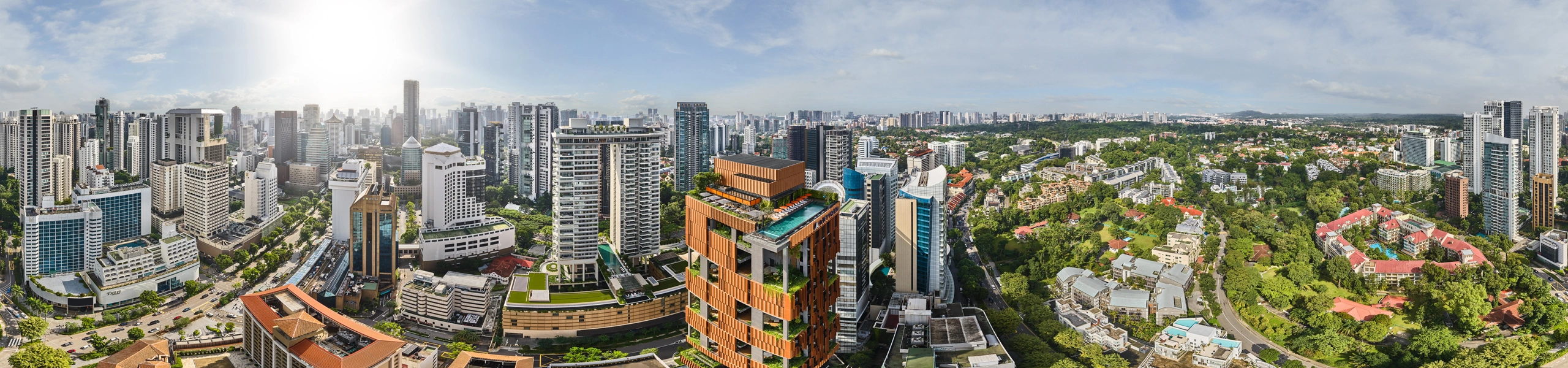
Artyzen Singapore virtual tour aerial 360 panorama showing the hotel and surrounding city

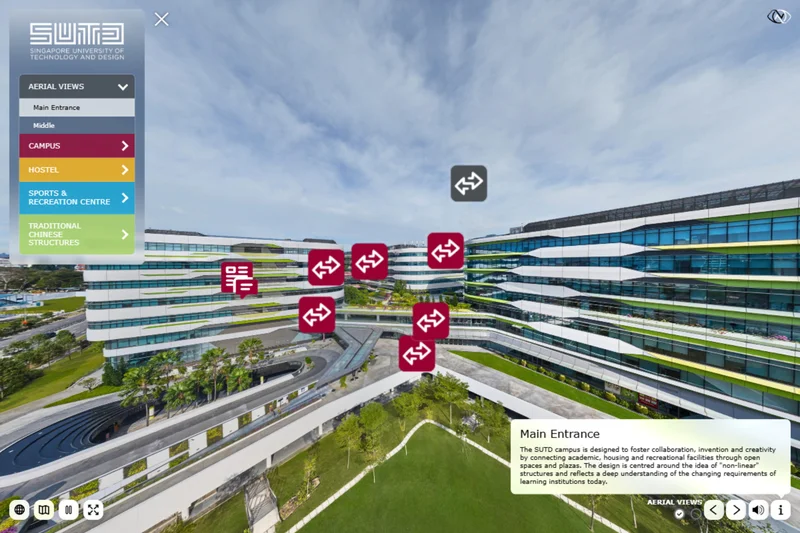
Aerial 360 Panoramas

We create aerial 360 panoramas that give visitors a bird's-eye view of your location and the surrounding area. They help viewers understand the size of the site, where buildings and outdoor spaces are located, and how the different areas connect.

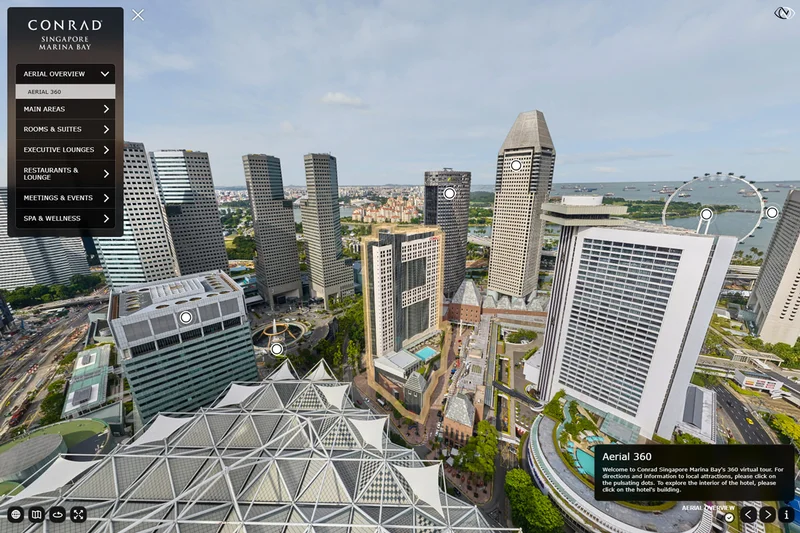
Conrad Singapore Marina Bay virtual tour showing aerial landmarks with the Centennial Tower information and walking distance panel

Aerial Landmarks

Aerial Landmarks add labelled points of interest to an aerial 360 panorama. They can show a description of each nearby location and the walking distance from the property. In the Conrad Singapore tour, selecting a landmark opens Google Maps inside the tour with navigation instructions.

Embedded map in the Hilton Singapore Orchard virtual tour showing the hotel’s location on Orchard Road

Maps

Maps are a core feature of our virtual tours. An embedded Google Maps page opens in an iframe inside the tour, allowing viewers to check the property’s location without leaving the tour and see where it sits within the surrounding area.

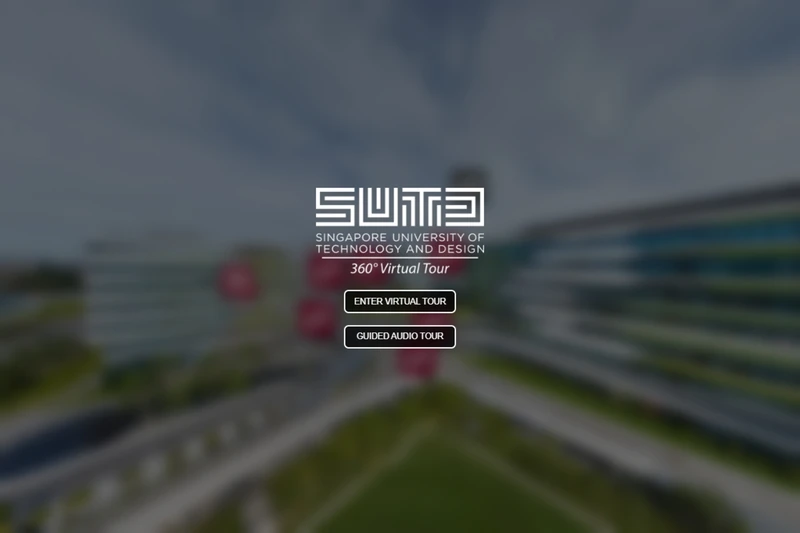
SUTD virtual tour opening screen with options to enter the virtual tour or start the guided audio tour

Guided Audio

We can add guided audio that plays automatically as visitors enter different areas of the tour. Audio descriptions provide context and additional information throughout the experience. We can record the narration in-house or work with a studio to find the right voice.

See this in action in the SUTD Virtual Tour.

View Feature
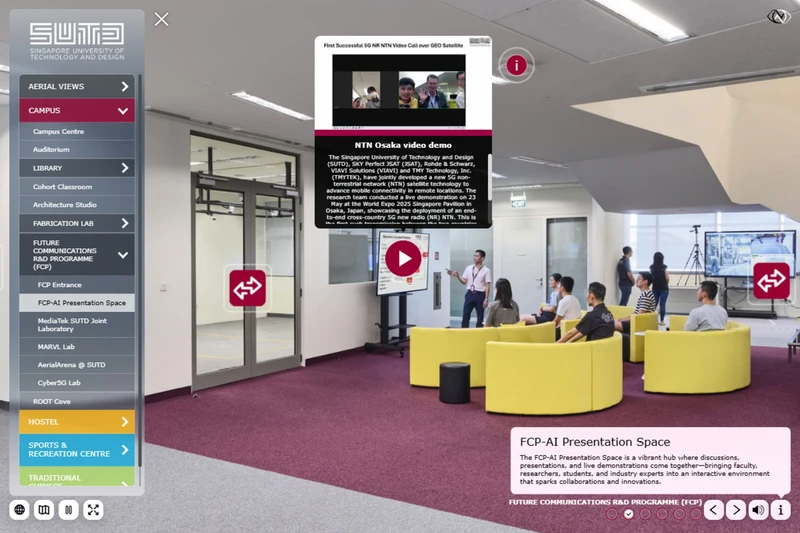
SUTD virtual tour showing a video popup in the FCP-AI Presentation Space

Video Popups

Videos can play in a window inside the virtual tour. They can be included in the tour files or streamed from YouTube. YouTube is usually more efficient because it handles the video streaming and reduces the bandwidth used by the tour itself.

See this in action in the SUTD Virtual Tour.

View Feature
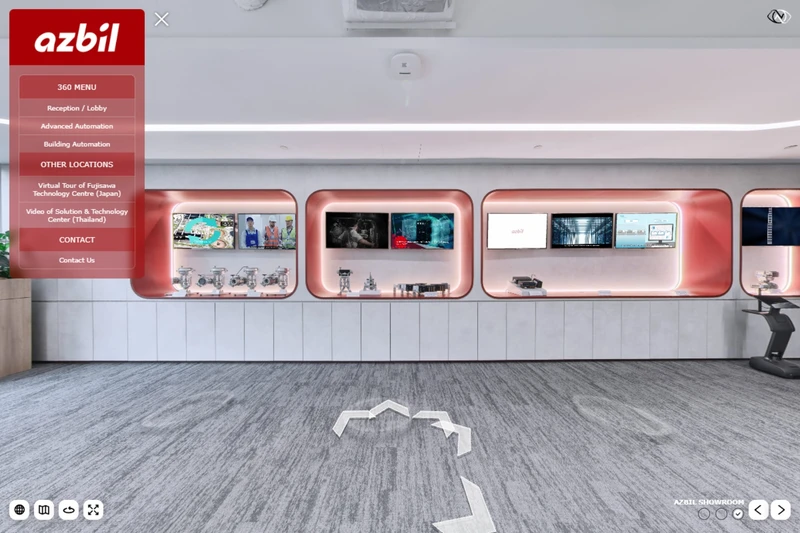
Azbil Singapore showroom virtual tour showing videos playing on wall-mounted display screens

Video Screens

We can add videos that play on televisions, monitors or display screens within the virtual tour. The video plays directly on the screen in the 360 image. When viewers select the screen, the full video can open in a larger window without leaving the tour.

Additional Features

Every tour we build includes these capabilities.

Deep Linking

Every room and area in your tour gets its own unique URL. Link directly to specific scenes from your website, email campaigns, or social media. Update individual rooms without touching the rest of the tour. Perfect for hotel websites where each room type page links straight to that room in the tour.

Content Management System

Update your tour content without touching code. Our custom-built CMS lets clients edit text in real-time during development, directly from their own computers. Once published, the CMS data is embedded into the tour files for fast loading. No ongoing subscriptions, no third-party platforms.

Multilanguage Support

Virtual tours can support whatever additional languages your project requires. Once a language has been added to the content management system, simply enter the translated text in its language section and it will be available throughout the tour.

Offline Tours for Sales Teams

Download the complete tour to a Mac or PC. Present at trade shows, client meetings, and site visits without internet access. The offline version runs identically to the online tour, with all interactive features intact.

Interactive Waypoints

We have a wide variety of interactive way points to choose from to navigate the virtual tour. These waypoints allow visitors to move between areas of the tour in an elegant way. We can custom design a waypoint that matches your brand.

Scene Menus

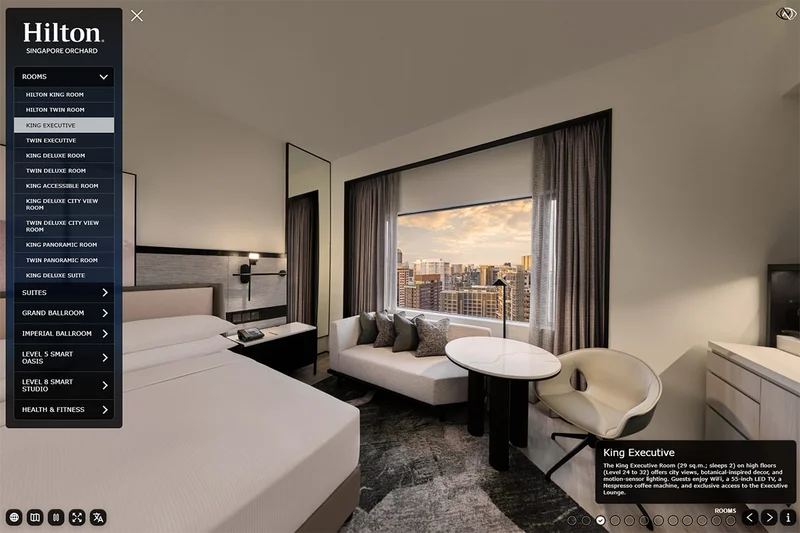
Scene Menus list the available rooms and areas in a virtual tour. Viewers can open the menu and jump directly to a location instead of moving through every connected scene. Larger tours can group locations into sections, floors or categories. We can do a top menu or a side menu.

Custom Tour Interface

We can customise the tour interface to match the client’s brand. This can include their logo, colours, typefaces, buttons, icons and menu layout. The same design is carried across the desktop and mobile versions of the tour.

Google Analytics Integration

We can connect the virtual tour to the client’s Google Analytics account. This records visits and basic usage information, including which areas of the tour are viewed. Tracking is configured during production and uses the client’s existing Analytics property.

Visited Checkboxes

Visited checkboxes are part of the description box cluster. They show viewers where they are in the tour and which areas they have visited. Unchecked areas provide another way to navigate and explore parts of the tour they have not seen.

Description Boxes

Description boxes display information about the area currently being viewed. They can include the name of the space, supporting text, and navigation options within a responsive panel. The content updates as viewers move through the tour, can be provided in multiple languages, and is easily managed by the client through our content management system.

Start Your Virtual Tour Project

Tell us about your space and we'll build an immersive 360° experience tailored to your property.